20 Rename File
20.1 Overview 
The Rename file task gives the invoice file a new name - typically composed from invoice data, e.g. <InvoiceDateComplete> <SellerName> <InvoiceId>. This produces meaningful, uniform file names instead of cryptic inbox names.
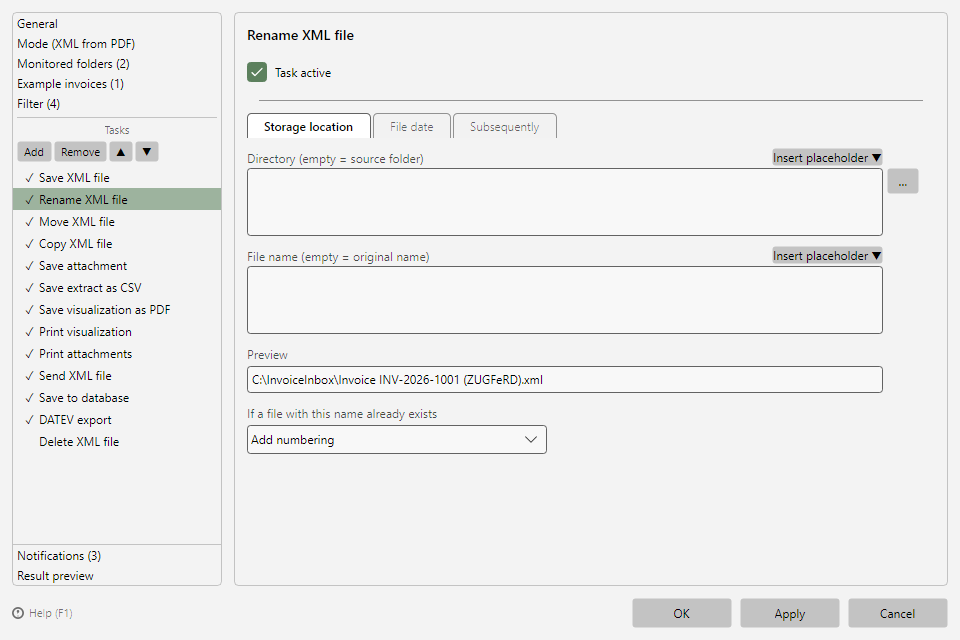 Rename file task with storage location tab and preview
20.2 Tabs 
Storage location, File date, and Subsequently correspond to the other saving tasks (see chapters 9.2 to 9.5). If a directory is specified as well, the task acts like a move with rename; if it is left empty, the file is renamed in place. The preview shows the resulting name based on the selected example invoice.
Tip: Invalid file name characters from placeholder values are removed automatically. The conflict behavior (see chapter 9.3) prevents collisions when two invoices would produce the same name.