40.10 Backups
40.10.1 Overview 
The Backup page sets up automatic backups of the application data (profiles, options, etc.) as ZIP files. Details on backup and restore: see chapter 60.3.
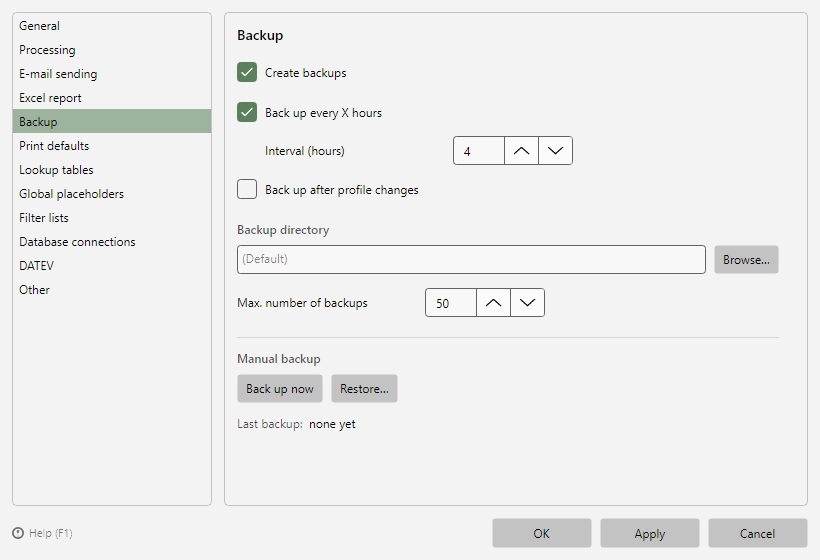 Program options, Backup page
40.10.2 Settings 
| Setting |
Meaning |
| Create backups |
Enables the automatic backups |
| Back up every X hours |
Time-based backup at the given interval |
| Back up after profile changes |
Additional backup as soon as profiles have been changed |
| Max. number of backups |
The oldest backups are removed automatically once the limit is reached |
| Backup directory |
Storage folder; empty = default folder in the application data |
| Last backup |
Time of the most recent backup |
40.10.3 Manual actions 
- Back up now - creates a backup immediately
- Restore... - restores the application data from a backup ZIP; after a successful restore the program closes, the data takes effect on the next start (identical to main menu → More, see chapter 2.2.4)