19 Move File
19.1 Overview 
The Move file task moves the invoice file out of the monitored folder to the configured target - the classic conclusion of a processing chain: process the invoice, then move it to the archive so the inbox folder stays empty.
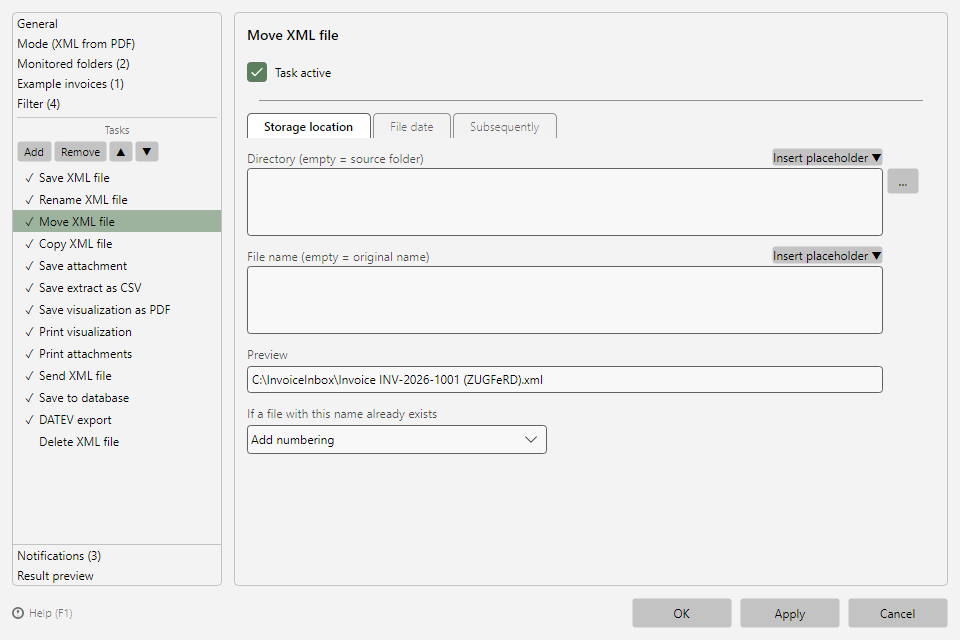 Move file task with storage location tab
19.2 Tabs 
Storage location, File date, and Subsequently have the same layout for all saving tasks (see chapters 9.2 to 9.5). Subsequent tasks automatically continue working with the new location.
19.3 "Additional options" tab 
Note: In the "Extract XML from PDF file" processing mode this tab is not shown - the options refer to the file's source folder, which in that mode is the temporary extraction folder containing only the single XML file.
| Setting |
Meaning |
| Move the folder's remaining files to the target folder as well |
Also moves the other files of the source folder (e.g. accompanying documents) |
| Wait ... seconds for new files |
Waits the given time for files still arriving before moving them along |
| Delete the parent folder afterwards if it is empty |
Cleans up empty subfolders after moving |